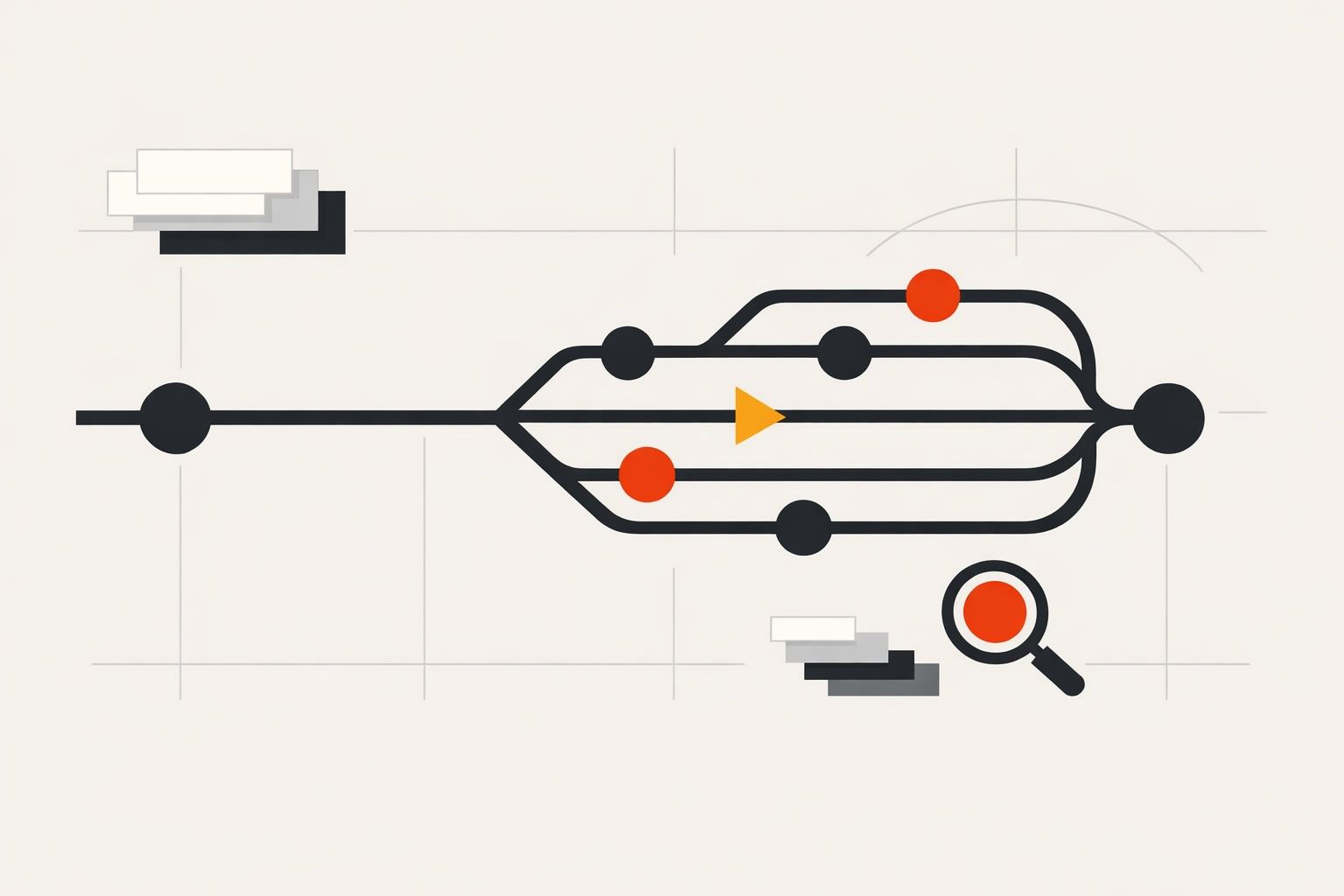
Why “logic spaghetti” shows up in no-code apps
“Logic spaghetti” is what happens when an app’s behavior is spread across too many loosely related actions: page events calling other events, duplicated conditions, hidden side effects, and quick fixes that never get revisited. In no-code environments—where it’s easy to add another branch, another condition, another API call—complexity can grow faster than shared understanding.
The result is familiar: onboarding new teammates takes forever, a small change breaks an unrelated flow, and debugging becomes guesswork. The good news is that you don’t need a heavy engineering process to avoid it. You need a practical pattern that makes branching predictable, versions recoverable, and debugging repeatable.
A practical pattern for branching workflows that stays readable
The core idea is to separate decision-making from doing. When decisions and side effects are mixed inside every button click and page load, branches multiply. Instead, treat each complex interaction like a small, explicit workflow with three layers.
1) Define a workflow contract before you build
For any feature that can branch—sign-up, checkout, approvals, role-based access—write a tiny “contract” first:
- Trigger: what starts it (button click, page load, webhook, timer).
- Inputs: what data it needs (user ID, form values, selected record).
- Outcomes: the allowed end states (success, validation error, permission denied, network error).
This is not documentation theater. It’s a constraint that prevents new branches from sneaking in without being named.
2) Build a single “Decision” step that outputs a state
Create one early step whose job is only to compute a small set of flags or a single status value. The workflow should then route based on that status, rather than re-checking conditions repeatedly throughout the flow.
Example statuses for a save action might be: INVALID, UNAUTHORIZED, READY_TO_SAVE, OFFLINE. Once you have that status, every later action becomes simpler: it only handles the branch it’s responsible for.
3) Keep side effects inside “Action” steps with clear boundaries
Side effects are anything that changes the world: database writes, API calls, payments, navigation, showing a toast, setting global variables. Side effects should live in distinct blocks that are named after the outcome they produce (for example, “Save record,” “Show validation errors,” “Route to login”).
When a workflow is structured this way, you can scan it visually: decision first, actions second. You also avoid the classic trap where a UI event both validates, saves, navigates, and logs analytics in one long chain that no one wants to touch.
How to prevent branching explosions in real projects
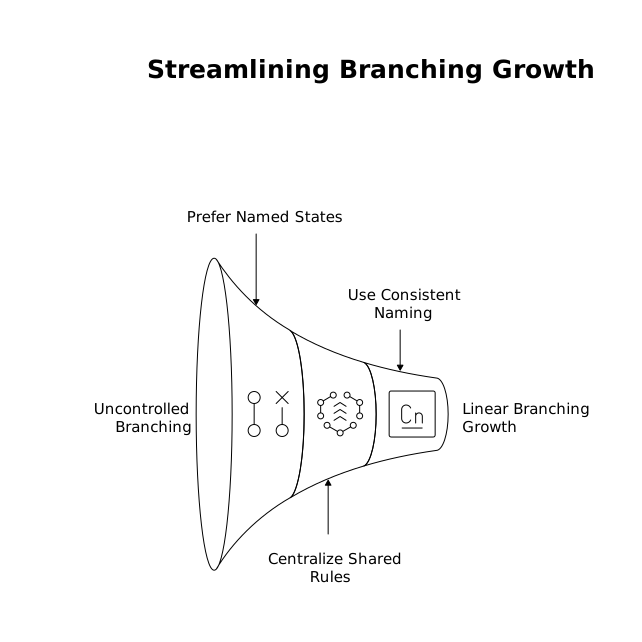
Even with a clean structure, branching can still grow out of control if you allow every feature to invent its own patterns. These guardrails keep growth linear instead of exponential.
Prefer named states over nested conditions
If you find yourself adding a third nested condition, you likely need a named state. Named states are easier to test, reuse, and discuss. “If status is READY_TO_SAVE” is easier than “If form is valid and user is admin and record is not locked and network is online.”
Centralize shared rules
Rules like “who can edit what” and “what counts as valid” shouldn’t be rewritten across multiple pages. Keep validation rules and permissions in one place (or at least in one workflow) and have UI events call into them. This is the no-code equivalent of extracting a function.
Use consistent naming for workflows and variables
Logic spaghetti often starts as naming spaghetti. Adopt a simple convention:
- Workflows: verb + object + context (e.g., “Submit application form,” “Approve invoice admin”).
- Statuses: uppercase enumerations (e.g.,
READY,ERROR_NETWORK). - Flags:
isX,hasY(e.g.,isAuthorized,hasMissingFields).
Consistency reduces cognitive load more than most teams expect.
Versioning that supports safe iteration and fast rollback
No-code teams often ship fast but lack confidence when changing logic. The fix is not slowing down—it’s making changes reversible.
Create “change units” instead of giant edits
Bundle changes into small, complete increments: one workflow improvement, one validation rule, one permission path. Smaller change units are easier to review and debug, and they make version history meaningful rather than a blur of unrelated tweaks.
Use environment discipline
Keep at least two environments: a place to test and a place users rely on. Treat the user-facing environment as protected: only promote changes that you’ve exercised with realistic data and roles. This matters most for branching workflows because “happy path” tests won’t cover the edge cases that create production incidents.
Track versions by outcomes, not by features
When you note a version, record what it changes in terms of outcomes: “Sign-up now handles duplicate emails,” “Approval flow now blocks locked records,” “Checkout shows retry on network error.” That aligns versioning with how apps fail and how users experience changes.
Debugging branching workflows without guesswork
Debugging in no-code gets hard when you can’t see what branch was taken and why. A practical debugging approach is to make branches observable.
Add lightweight instrumentation
For complex workflows, log or surface three things during testing:
- Inputs at the moment of trigger (key form fields, IDs, role).
- Decision output (the computed status).
- Action result (API response code, created record ID, error message).
This can be as simple as a temporary debug panel or structured console logs in preview modes. The goal is to avoid “it didn’t work” reports with no trace of what happened.
Debug from the decision step outward
When something fails, start by verifying the decision step’s output. If the status is wrong, the bug is in the inputs or rules. If the status is correct, the bug is in the action branch. This halves the search space immediately and keeps you from chasing random UI symptoms.
Test branches intentionally
Create a small checklist of test cases that map to your named outcomes: valid save, invalid save, unauthorized save, network error. Because you already defined outcomes as part of the workflow contract, branch testing becomes straightforward and repeatable.
Where WeWeb fits into this pattern
Platforms that support complex workflows benefit from discipline, but they also need tooling that doesn’t fight structure. WeWeb is designed for building production-grade apps with sophisticated branching logic while still working visually, which makes it a natural fit for this pattern: define outcomes, route clearly, and keep your app’s behavior understandable as it grows. If you’re building a web app that needs room to evolve without vendor lock-in, weweb.io also lets teams launch quickly or export a standard Vue.js SPA for self-hosting—useful when versioning and long-term maintainability are priorities.
The key is that the platform is only half the equation. The other half is adopting a repeatable structure for decisions, actions, versions, and debugging so your no-code app stays easy to change six months from now.