Why “no shell access” is the right default for external sessions
External pairing—candidate interviews, customer escalations, agency handoffs, OSS triage—fails in predictable ways. The most common failure mode is overexposure: you grant someone a VPN account, a jump box login, or SSH credentials “just for today,” and then spend the next week undoing exceptions. Even when everyone acts in good faith, remote shell access expands your attack surface, creates compliance headaches, and makes it hard to confidently say who did what.
The alternative is a deliberate playbook built around high-signal collaboration. You want the other person to see the system, reason about it with you, and influence what happens—without ever becoming a principal on your network or filesystem. Done well, you get better technical outcomes and cleaner governance.
The External Pairing Playbook
1) Set the boundary up front in one sentence
Before you share a link or schedule time, say what the session is and what it isn’t:
- We will not provide remote shell access (no SSH, no VPN, no direct admin credentials).
- We will pair in a controlled environment using screen sharing and limited remote control.
- We will produce an artifact (notes, a repro, a patch, or a decision) by the end.
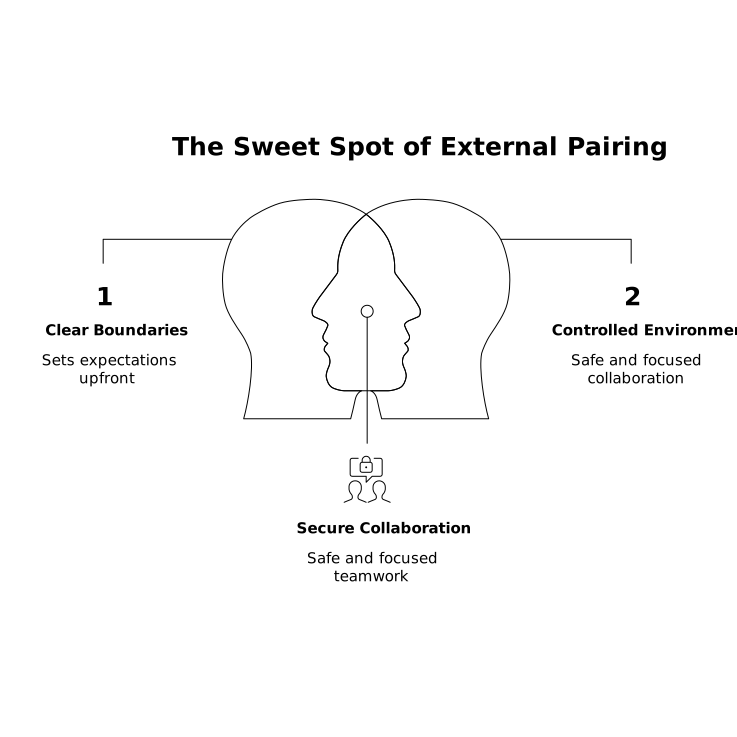
This aligns incentives fast: the guest focuses on diagnosis and guidance, and your team keeps responsibility for execution.
2) Choose the right environment for the job
You’ll generally pick one of three environments. The goal is to maximize signal while minimizing access.
- Local host machine: fastest for interviews and small issues, but risks exposing notifications, tokens, and unrelated apps.
- Ephemeral dev environment: a disposable VM or dev container that can be destroyed after the call. Great for debugging and reproductions.
- Staging replica: safest for customer data boundaries, especially if production is sensitive. Ensure logs and redaction match policy.
For client debug sessions, an ephemeral environment with sanitized fixtures often provides the cleanest mix: the guest can reason about the system, you can run commands, and nothing persists beyond the session.
3) Preflight checklist to keep the session “high signal”
High-signal sessions feel effortless because someone did the work beforehand. Keep a lightweight checklist you can run in five minutes:
- Confirm the objective: “By the end, we will have a minimal repro” or “By the end, we will decide between two fixes.”
- Pin versions: runtime, branch/commit, feature flags, and any environment variables relevant to the issue.
- Prepare observability: logs, traces, and metrics dashboards already open to the relevant time window.
- Collect the inputs: request IDs, sample payloads, and exact timestamps.
- Minimize noise: close unrelated tabs, disable popups, and make sure your editor font size is readable.
This is where purpose-built pairing tools matter. A pairing app like tuple.app is designed for crisp audio and razor-sharp screen sharing, which is not a luxury in debugging—if the guest can’t read the stack trace or hear the nuance in a tradeoff, the session devolves into guesswork.
4) Use “driver and navigator” rules even with outsiders
External pairing benefits from explicit roles:
- Driver: the person with the keyboard (typically your engineer) who executes changes.
- Navigator: the guest who guides, asks questions, and suggests hypotheses.
In interviews, you may swap roles to see how a candidate thinks at the keyboard. In client debugging, keep your engineer driving unless there’s a compelling reason to temporarily hand over control. The key is that responsibility stays with the host team.
Tuple supports quick role swapping and low-latency remote control, so switching between “show me” and “I’ll drive” can happen without ceremony. That fluidity keeps the conversation focused on the problem rather than the mechanics of collaboration.
5) Restrict visibility before you restrict control
Most leaks happen passively: a password manager popover, an internal Slack message, a customer name in a notification. Treat visibility as the first security boundary.
- Hide sensitive apps and notifications: use tooling that can veil specific applications and clean up desktop notifications.
- Use a dedicated desktop or OS profile: keep interview/customer sessions separate from personal or privileged contexts.
- Prefer read-only artifacts: paste sanitized logs into a shared doc rather than scrolling through production consoles.
If you do permit remote control, keep it narrow and reversible: short windows of control, clearly stated intent (“type the test you want here”), and immediate return to host control.
6) Run the session like a debugging investigation
The best external debug sessions follow a tight loop:
- Restate the symptom in one sentence and confirm it matches what the guest sees.
- Form two or three hypotheses and rank them by likelihood and cost to test.
- Instrument, then test—add the minimum logging or tracing needed to disambiguate.
- Reduce to a minimal repro whenever possible. If you can reproduce in a small harness, you can fix confidently.
- Capture decisions as you go: “We ruled out cache,” “This fails only with feature flag X,” “The bottleneck is query Y.”
Notice what’s missing: “Give me SSH and I’ll poke around.” A skilled guest doesn’t need shell access to contribute. They need context, clarity, and a fast feedback loop.
7) Keep transcripts lightweight but defensible
External sessions can create ambiguity later: who suggested what, why a risky change shipped, or what exactly was tested. Keep documentation minimal:
- One shared notes document with timestamps, hypotheses, outcomes, and next steps.
- Links to artifacts: PRs, commits, dashboards, and incident tickets.
- Explicit follow-ups with owners and dates.
This is also where automation helps. Tuple’s Triggers API can run small workflows on call events—for example, creating a template note, pausing music, or appending metadata to a ticket—so you don’t waste session time on process.
8) Close the loop and revoke by default
When the call ends, your access posture should return to steady state automatically:
- Destroy ephemeral environments or rotate any temporary secrets used for the repro.
- Remove calendar guests and links from follow-up meetings unless needed.
- Summarize outcomes in a short message: what you learned, what changed, and what remains unknown.
The point of “no shell access” isn’t distrust—it’s operational clarity. Your team remains accountable for the system, while outsiders still contribute meaningfully through structured pairing.