Why calendar traffic can hurt a new sender
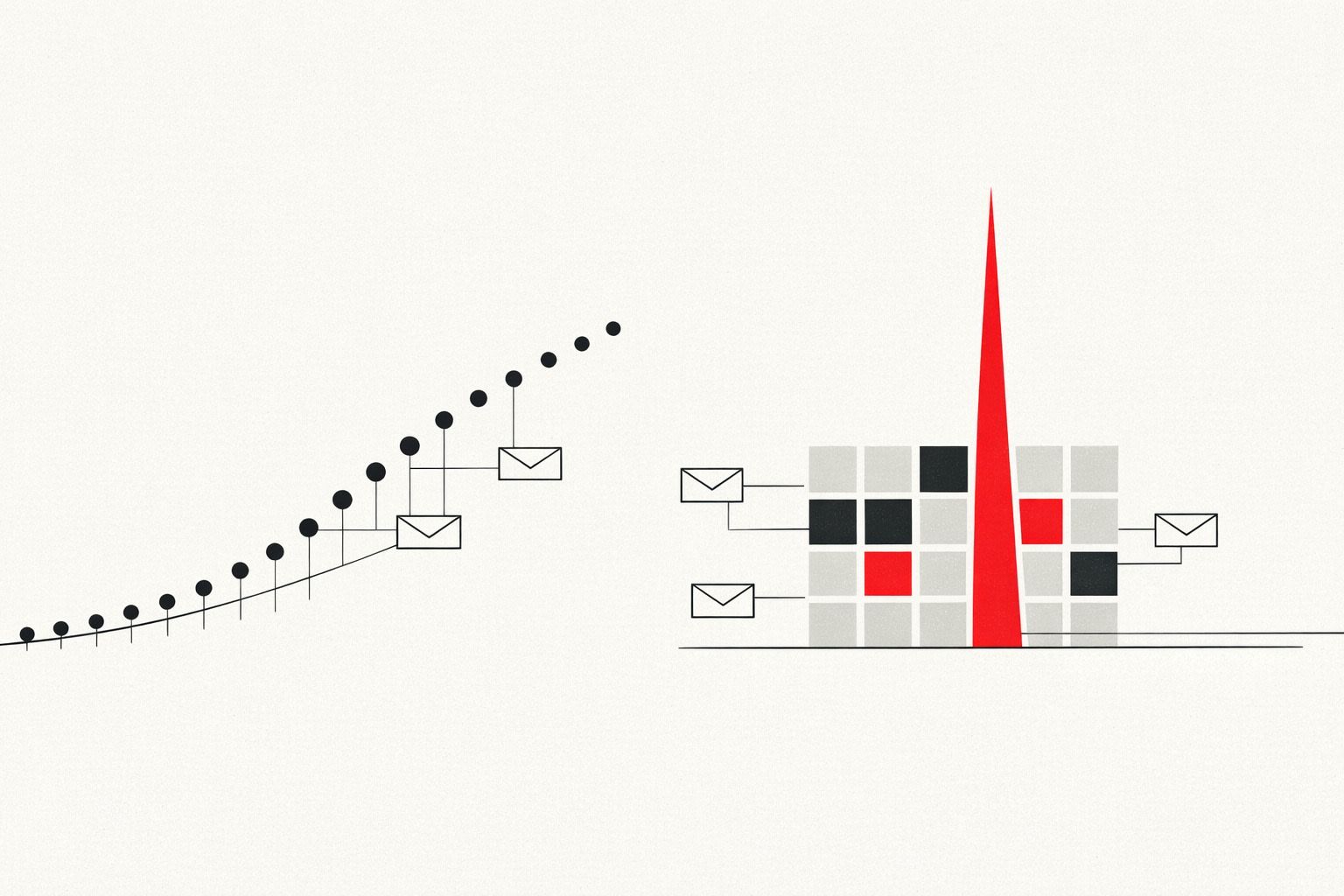
Email warmup plans usually focus on “normal” outbound mail: short messages, steady volume, and predictable engagement. Calendar traffic behaves differently. When a new domain, mailbox, or IP suddenly starts sending meeting invites, updates, cancellations, and RSVP notifications in clusters, it can look like automation or abuse to mailbox providers.
This pattern is the “Calendar Spike” problem: a bursty, system-generated stream that arrives before the sender has earned enough reputation to be trusted. Even when everything is legitimate, the early spike can coincide with low engagement (people ignore auto-invites) and unusual formatting (ICS attachments, organizer headers), which together can tank inbox placement for the mailbox you’re trying to establish.
What a “calendar spike” looks like in practice
Calendar traffic rarely ramps gradually. It often appears as:
- Sudden invite bursts when a team starts booking demos, interviews, or onboarding sessions.
- Update storms as attendees propose new times and organizers reschedule repeatedly.
- High recipient diversity (many first-time contacts), often across multiple consumer domains.
- Attachment-heavy messages (ICS) with consistent templates and minimal natural replies.
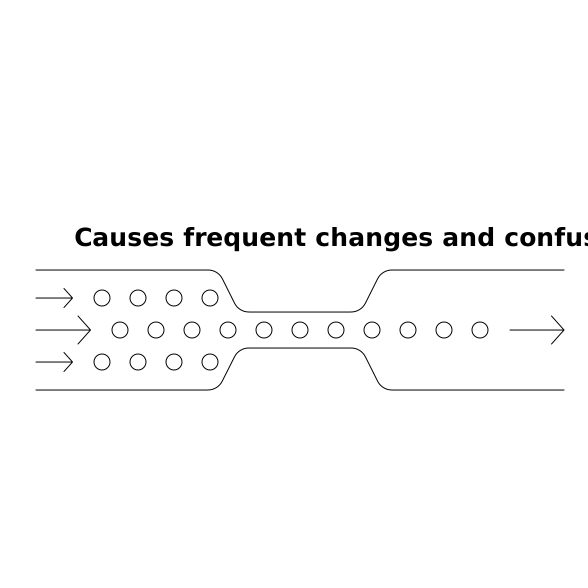
To filtering systems, that combination can resemble machine-driven sending without a proven history. On a brand-new sender, the tolerance for “odd-looking” traffic is simply lower.
Why meeting invites are reputation-sensitive
They create volume in bursts, not a smooth curve
Reputation systems generally reward consistency. A new sender that goes from near-zero mail to dozens or hundreds of event-related messages in a day creates a sharp change in sending pattern. Even if the absolute volume is not huge, the shape of the sending curve matters.
Engagement signals are weaker than normal email
Warmup relies on positive engagement signals: opens, replies, starring, moving messages out of spam, and other inbox interactions. Many recipients don’t meaningfully interact with invites. They might accept from a calendar UI without “replying,” or ignore the message entirely. That can translate into low observable engagement on the mail side.
Invites look more automated
ICS-based messages often have standardized headers and repeated structures. When those messages dominate a new sender’s early traffic, the sender can be categorized as primarily automated before there’s enough “human” email history to balance it out.
They can increase complaint risk
When invites land in cluttered inboxes, recipients may mark them as spam rather than declining. Complaints on a new sender are disproportionately damaging, because there isn’t much positive history to offset them.
Where the spike usually comes from
The calendar spike isn’t always obvious because it’s not always created by a single person “sending emails.” Common sources include:
- Scheduling links that send organizer confirmations, attendee confirmations, and reminders.
- CRM sequences that add meeting scheduling and follow-ups to a new outbound workflow.
- Recruiting tools that auto-generate interview invites and updates.
- Internal behavior when a new domain is rolled out and everyone begins coordinating meetings externally.
The result is a mixed stream where system messages can outnumber real conversations, especially in the first week.
How to warm up around calendar traffic without pausing business
The goal is not to “avoid meetings.” It’s to avoid letting calendar traffic become your sender’s first impression.
1) Separate roles early
Don’t use the same brand-new mailbox for both heavy scheduling and cold outreach. If possible, keep:
- A scheduling mailbox for invites and operational confirmations.
- A conversational mailbox for warmup and relationship-building email.
This separation reduces the chance that automated bursts define your early reputation. It also makes troubleshooting easier if inbox placement changes suddenly.
2) Start warmup before you start booking at scale
If you know a launch is coming (new SDR team, new recruiting push, new region), begin warmup ahead of time so you have baseline trust before invites surge. Even a short head start helps your sending pattern look intentional rather than abrupt.
This is the core use case for a platform like mailwarm: gradually building a realistic engagement footprint so your mailbox has a credible history when real operational traffic ramps up.
3) Control the slope, not just the daily cap
Many teams set a “daily sending limit” but ignore the distribution. For calendar messages, the worst pattern is a quiet morning followed by a huge invite burst at noon. When feasible:
- Stagger bookings across the day.
- Batch internal scheduling changes less aggressively (reduce repeated reschedules).
- Delay non-urgent updates until the next day rather than firing multiple edits in an hour.
Mailbox providers see time-based spikes; smoothing the curve reduces suspicion.
4) Make the first touches more human
Before sending an invite to a brand-new external contact, add a lightweight, personal email first when the context allows. A short message such as “Does Tuesday or Wednesday work?” can generate genuine replies that provide strong reputation signals. Then send the formal invite once the conversation is active.
This approach also lowers complaint risk because recipients recognize why they’re receiving a meeting request.
5) Keep invite hygiene tight
Sloppy calendar practices amplify negative signals. Focus on:
- Accurate attendee lists (avoid adding people who didn’t ask to join).
- Fewer updates (confirm details before sending the invite; avoid repeated edits).
- Clear context in the invite description so it doesn’t feel random.
- Careful reminders (don’t over-remind early in a sender’s lifecycle).
6) Watch for early warning signs
Calendar spikes often coincide with subtle deliverability symptoms:
- Invites landing in spam or “Other”/“Clutter.”
- Attendees saying they never received the invite.
- Sudden drop in open rates for normal emails sent from the same mailbox.
If these appear, reduce automated meeting traffic temporarily, increase the share of conversational mail, and reassess volume pacing. A warmup program that emphasizes steady engagement and inbox interactions can help re-balance the sender profile after an invite-heavy period.
How Mailwarm fits into a calendar-safe warmup strategy
Warmup isn’t just about “sending more.” It’s about building a pattern mailbox providers recognize as legitimate: consistent volume, human-like activity, and positive engagement. Mailwarm supports that by automating warmup with real inbox interactions across major providers, helping new senders establish reputation at the mailbox, domain, and IP level.
Used alongside sensible scheduling hygiene and traffic separation, a warmup platform reduces the risk that your first high-volume moment is an invite storm. The result is a sender that can handle operational bursts without sacrificing inbox placement for the emails that actually drive the business conversation.
Vertical Video